


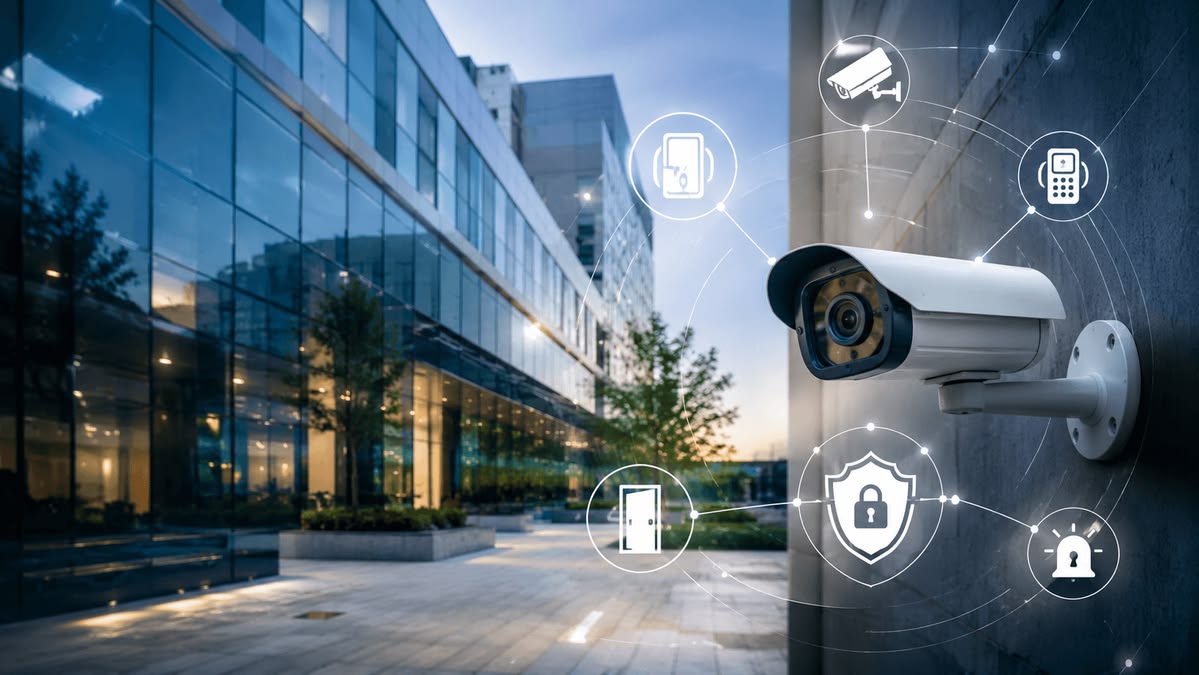

Installing a CCTV system is an effective way to improve security at homes, offices, shops, warehouses, and other properties. However, proper planning and installation are important to ensure clear video coverage and reliable recording.
This CCTV installation guide explains the basic steps involved in choosing, installing, configuring, and maintaining a CCTV surveillance system.
CCTV installation involves placing security cameras at suitable locations, connecting them to a recording device such as a DVR or NVR, configuring the system, and testing the cameras.
Depending on the system, CCTV cameras can use wired connections or network-based connections. The right option depends on the property, coverage requirements, and available infrastructure.
Before installing anything, identify the areas that require monitoring. Common locations include:
Avoid placing cameras where their view is blocked by walls, furniture, plants, or other objects.
Different environments require different types of cameras. Some common options include:
Dome cameras are commonly used indoors and can provide a discreet appearance. They are suitable for offices, shops, corridors, and other indoor areas.
Bullet cameras are often used for outdoor surveillance. Their design makes them suitable for monitoring entrances, parking areas, gates, and building exteriors.
IP cameras transmit video through a network and can provide high-resolution footage. They are commonly used in modern surveillance systems.
PTZ cameras allow users to remotely control the viewing direction and zoom. They can be useful for monitoring larger areas.
The recording device depends on the type of CCTV system.
A DVR (Digital Video Recorder) is commonly used with traditional analog CCTV cameras, while an NVR (Network Video Recorder) is generally used with IP cameras.
Choose a recorder with enough channels for your current cameras and consider future expansion if you plan to add more cameras.
Once the locations are finalized, securely mount the cameras. The mounting height and angle should provide a clear view of the required area.
For outdoor cameras, use equipment designed for outdoor conditions and position it appropriately to reduce exposure to weather and direct glare.
For wired CCTV systems, connect the cameras to the recording system using the appropriate cables and connectors.
Cable routing should be planned carefully to avoid unnecessary exposed wiring. Keep cables organized and protected from physical damage wherever possible.
For IP CCTV systems, cameras may connect through network infrastructure, depending on the system design.
Connect the cameras to the DVR or NVR and connect the recorder to a suitable display for initial configuration.
Install an appropriate storage drive if the recording system requires one. The required storage depends on factors such as camera resolution, number of cameras, recording schedule, and desired retention period.
After connecting the equipment, configure important settings such as:
Use strong passwords and avoid leaving default login credentials unchanged.
Many modern CCTV systems allow users to monitor cameras remotely through a smartphone or computer.
Depending on the equipment, remote viewing may require connecting the recorder or cameras to the internet and configuring the manufacturer's application or network settings.
Always secure remote access with strong credentials and keep the system's firmware and software updated where appropriate.
After completing the installation, test each camera individually.
Check whether:
Testing helps identify installation problems before the system is fully put into use.
A few common mistakes can reduce the effectiveness of a surveillance system.
Installing cameras without considering viewing angles can leave important areas uncovered.
If the storage capacity is too low, older footage may be overwritten sooner than expected.
Poor security credentials can increase the risk of unauthorized access to the surveillance system.
Unprotected or poorly routed cables can become damaged and cause connectivity problems.
A camera that performs well during daylight may not provide the same quality at night. Consider lighting and night-vision requirements before installation.
Although basic CCTV systems may appear simple to install, professional installation can help ensure proper camera positioning, cable management, configuration, and system testing.
Professionals can also assess the property and recommend suitable cameras and recording equipment based on the required coverage.
Following a proper CCTV installation guide can help you plan and set up a reliable surveillance system. From selecting the right cameras to configuring recording and remote monitoring, every step plays an important role in system performance.
If you are installing CCTV for a home or business, focus on coverage, camera quality, storage, system security, and proper installation rather than choosing equipment based only on price. A well-planned CCTV system can provide effective monitoring and greater peace of mind.